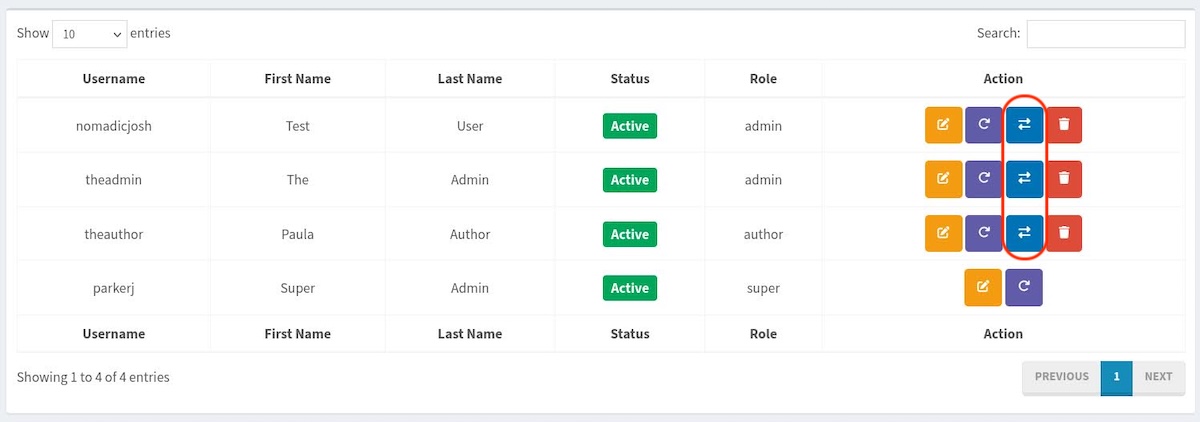
Instead of creating dummy accounts to log into, you can impersonate a user if you want to see the backend through the eyes of the user. All you have to do is visit the user’s screen, click on the Switch To button, and you can navigate the backend as that user.
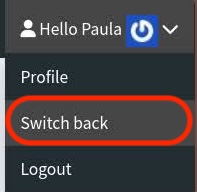
Not only does it work on the backend, but if you have a frontend, it will persist there as well. When you need to stop impersonating a user, head back to the backend, hover over the user image in the upper-right corner, and click the Switch Back button.

Join the conversation.
Have questions, feedback, or ideas? Leave a comment below.